
Smart vehicles with advanced driver-assistance systems (ADAS) and semi-autonomous features can fail unexpectedly. A blocked camera, a radar fault, or an infotainment crash can change how the car behaves in seconds.
Immediate safety steps after a system failure
Prioritize human control and clear communication. Sudden system errors can confuse drivers and create delays; quick, simple directions reduce that delay.
Secure the vehicle and people
- Scan the environment in 1: 3 seconds for traffic and obstacles. Confirm lane position using mirrors and glances.
- If the driver seems unsure, give a single, direct command: “Take manual control now.” Short instructions are more effective than technical explanations.
- If the vehicle is moving and still controllable: pull over to the shoulder, a parking lot, or a low-speed area within 30-60 seconds. Avoid stopping in a travel lane.
- If stopped: set the parking brake, shift to Park, and turn on hazard lights to alert other drivers. Hazard lights usually remain available even when other systems fail.
Why act first-in smart vehicles, the human is the final safety layer. Securing the car removes time pressure and lets you assess the fault safely.
Switch to manual driving and conservative behavior
- Have the driver place their hands on the wheel and eyes on the road. ADAS faults can cause phantom inputs such as unexpected braking or steering nudges.
- Reduce speed by 10: 20 mph below the posted limit in heavy traffic, poor weather, or uncertain conditions. Lower speeds increase stopping distance and reaction time.
- Turn off adaptive features (lane-keep assist: adaptive cruise) using physical buttons or the vehicle settings menu to prevent unexpected interventions.
- Favor steady steering and smooth braking. Avoid sudden maneuvers unless required to avoid a collision.
How to recognize common failure points?

Understanding typical failure modes helps decide whether you can continue driving or need professional help. Failures tend to present as visual warnings, sounds, degraded handling, or a mix of these.
Sensor and camera faults
- Symptoms: messages such as “Sensor blocked,” “Camera obstruction,” or “Radar fault”; ADAS disengaging; inconsistent lane-keeping or phantom braking.
- Typical causes: dirt, ice, heavy rain, physical damage, loose connectors, or calibration drift. Research shows sensor problems directly impair autonomous decision-making because the control stack depends on accurate inputs (see NIH survey on sensor failures).
- Operational nuance: glare or spray from other vehicles can temporarily blind cameras even when sensors are intact.
Infotainment, instrument cluster, and software malfunctions
- Symptoms: frozen touchscreen, blank cluster, erratic gauges, or conflicting messages. Some critical alerts appear through the same software stack that runs navigation and media.
- Typical causes: software bugs, corrupted updates, memory overload, or ECU failures. Recent recall trends show that software can trigger safety-related recalls as readily as hardware.
- Operational nuance: a crashed cluster may hide speed, gear, or airbag warnings — you might have propulsion and brakes, but lack critical driver feedback.
Quick diagnostics passengers can perform safely
Only perform checks when the vehicle is stopped in a safe spot. These actions clarify whether the issue is environmental, transient, or likely to need a technician.
Record warnings and check messages
- Photograph or video any error messages and the instrument cluster. Time-stamped images help mechanics and insurers diagnose intermittent faults.
- Note ambient conditions such as heavy rain, bright sun, or recent road salt — these point to environmental causes rather than internal faults.
- If available, use a basic OBD-II code reader (roughly 20-80 USD for simple models) to check stored codes. Mechanics can often use that readout as a starting point.
Why capture the screen: fault messages and logs can clear after rebooting or vehicle motion. A quick image preserves evidence before it disappears.
Safe reset steps to try
- Soft-reset the infotainment: press and hold the system power for 10-20 seconds, where that option exists. Many systems reboot cleanly.
- Perform a vehicle power-cycle: switch ignition off, open and close the driver door, wait 30-60 seconds, then restart. This can clear transient communication glitches between modules.
- Disconnect nonessential 12 V accessories (phone chargers, dash cams) that may add electrical noise or draw power unexpectedly.
- Avoid disconnecting the main battery unless you know the risks; modern vehicles may need dealer reprogramming or lose certain settings after a battery pull.
Tools, safety gear, and practical items to carry
A minimal kit focused on electronic-era driving helps stabilize many failures and provides evidence for later repair.
| Item | Purpose |
|---|---|
| Phone with charger and backup battery | Call emergency services, photograph warnings, and run OEM or roadside apps |
| Basic OBD-II code reader (20-80 USD) | Read stored fault codes and relay them to mechanics |
| Microfiber cloth and glass-safe spray | Clean cameras and sensors to remove dirt, salt, or ice without scratching |
| High-visibility vest and hazard triangles | Increase visibility if you must stop on the shoulder |
| Flashlight with extra batteries | Inspect sensor housings and wiring at night |
A thin microfiber on a telescoping wand is useful for wiping high-mounted cameras without climbing on the bumper. Avoid rough materials that scratch lenses; scratches can cause long-term sensor errors.
When to stop driving and contact a professional?
Stop immediately if you lose braking assist: steering feedback, the instrument cluster, or if the system instructs you to stop for service. Loss of primary driving feedback is a red line.
- If ADAS disengages but the car responds predictably and no structural warnings appear, you may be able to continue to a nearby safe lot or service station. Drive slowly and avoid highways.
- Call roadside assistance or arrange towing if the issue prevents safe operation or requires dealer-level diagnostics and calibration.
- Persistent software warnings after resets, or faults that return intermittently require professional inspection. Manufacturers sometimes issue software patches that dealers can apply under recall programs.
Decision factors include the fault’s severity, traffic and weather, safety distance, and whether core systems (steering, brakes, throttle) respond reliably. Err on the side of stopping if any core system shows degraded performance.
Common mistakes and practical cautions
Not photographing warnings. Intermittent faults are harder to diagnose; a 10-second video is often more useful than a single photo.
- Trying to fix sensors while moving. Cleaning or unplugging items should only happen after pulling over safely.
- Disabling safety features after a false intervention and forgetting to re-enable them. Note any user changes so technicians can reproduce the original settings.
- Assuming phone navigation replaces vehicle instruments. If the cluster is down, do not rely solely on a navigation app for speed or safety-critical alerts.
Check for recent over-the-air (OTA) updates. If a failure occurs soon after an OTA, note the time — that helps technicians correlate software changes with behavior.
Realistic scenario: rainy suburban night with a camera fault
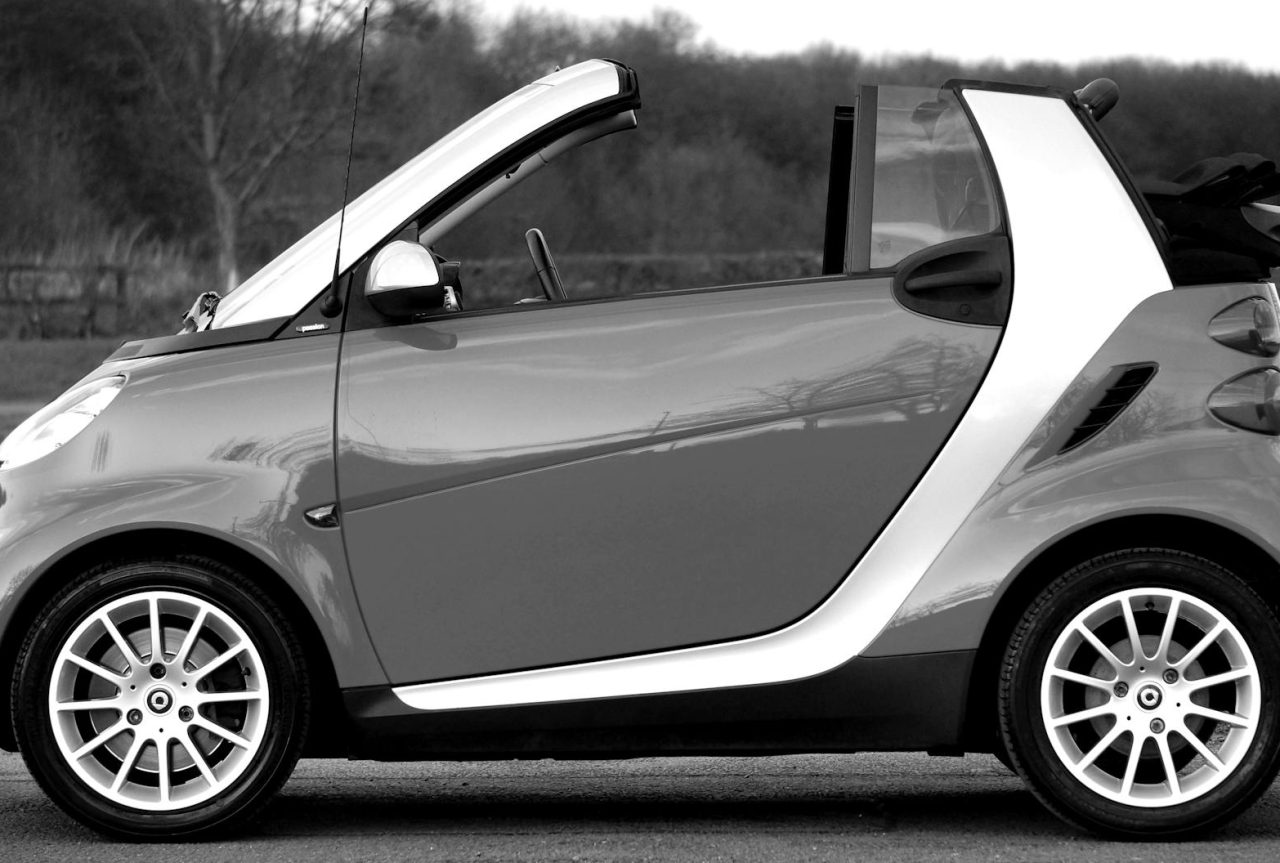
At about 9:30 PM on a rainy road, the vehicle warns “Camera blocked” and gives a steady chime. The car still steers but drifts slightly in the lane. The passenger acts quickly.
- Action: ask the driver to slow to 15-20 mph below the limit and pull into a well-lit parking lot within 1-2 minutes. Turn on hazard lights and disable lane-keep assist.
- Checks: photograph the warning, use a microfiber to wipe the windshield camera housing, soft-reboot the infotainment, and wait 60 seconds before restarting.
- Result: the message clears and lane-keeping returns at low speed. They decide to drive cautiously to a dealer the next morning rather than continue on the highway that night.
This sequence highlights practical constraints: poor lighting, wet surfaces, and time pressure. Simple cleaning and a reboot often fix transient sensor obstruction, but rainy conditions are known to trigger repeat faults and justify professional inspection.
Event data, reporting, and legal considerations
Modern vehicles often log event data that technicians and insurers can access. Preserve evidence: photos, timestamps, mileage, and the VIN. If you suspect a manufacturing defect or software bug, report the incident to your insurer and the manufacturer; dealers may repair faults under recall programs at no cost.
If an accident occurs, prioritize safety and call emergency services. Afterward, gather witness details, scene photos, and any recorded warnings. If liability or defects are unclear, consult a qualified attorney — good documentation strengthens any claim.
When dealership or specialist diagnostics are needed?
Persistent or recurring faults after cleaning and resets.
- Loss of core driving functions (power brakes, steering feedback, throttle anomalies).
- Warning lights for airbags: ABS, or traction control — these usually need OEM scan tools and calibration rigs.
- Multiple modules failing at once (infotainment + ADAS + cluster), which may indicate wiring, power distribution, or firmware corruption.
Dealerships use OEM tools, sensor alignment rigs, and calibration equipment that most independent shops lack. Expect diagnostic appointments to take several hours to a day, depending on tests and parts. Software updates can be quicker, but sometimes require follow-up calibration.
Two brief observations that feel lived-in
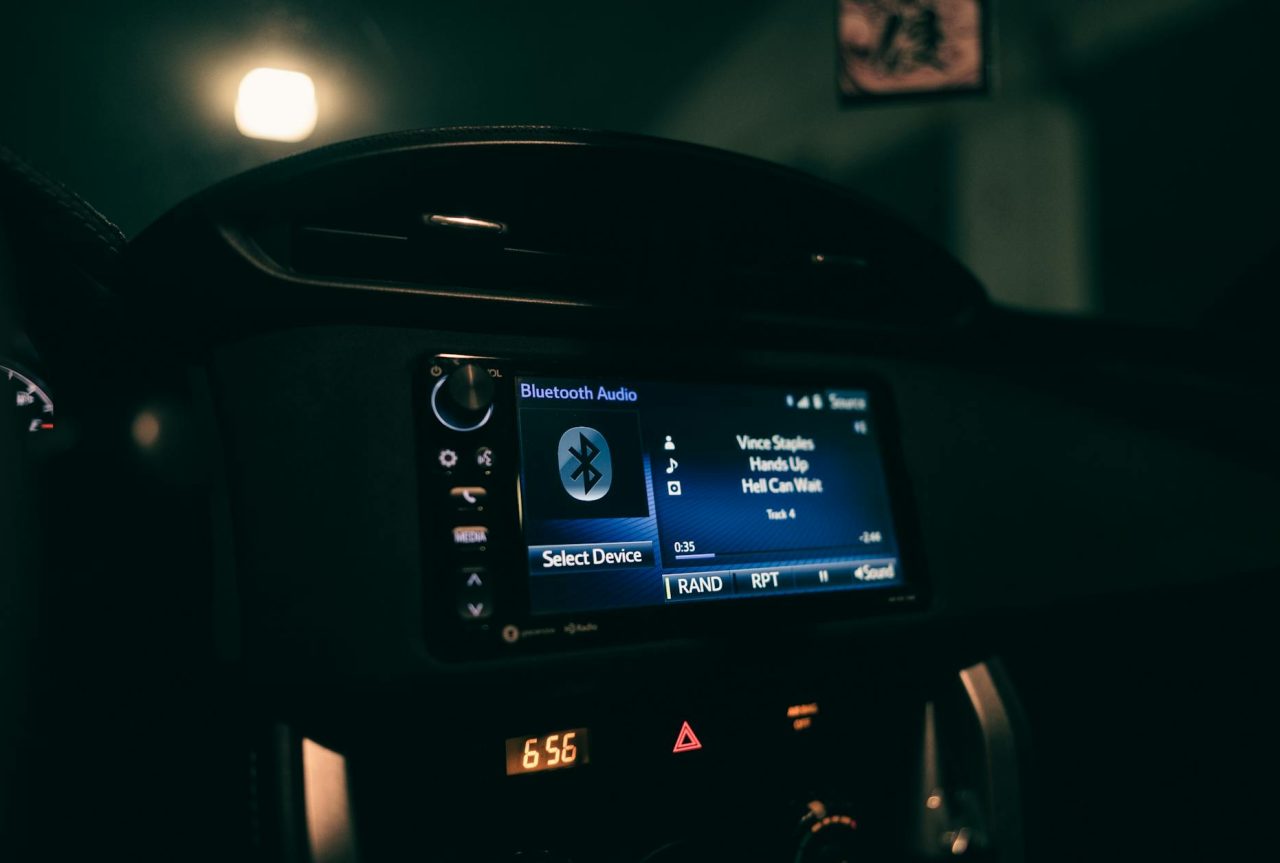
Busy morning commutes commonly reveal intermittent radar faults when traffic spray from larger vehicles obscures bumper sensors for a block or two, then clears — these faults can appear transient but recur under similar conditions.
- Instrument cluster freezes often resolve after a 30- to 60-second power cycle, yet drivers frequently miss photographing the message before it disappears, complicating later diagnosis.
Practical closing summary
Act fast to secure the vehicle and people, switch to manual driving, and run simple, safe diagnostics when stopped. Photograph warnings, try soft resets, and clean visible sensors.
Carry a small electronic-focused kit (phone charger, OBD-II reader, microfiber, flashlight) and call professional diagnostics when core systems fail, or faults persist. Good documentation — timestamps, photos, and mileage — speeds up repair and supports insurance or manufacturer claims.
Read Next: How to Handle Emergency Situations in Driverless Cars
Read Next: How GPS Errors Can Affect Your Safety During a Trip