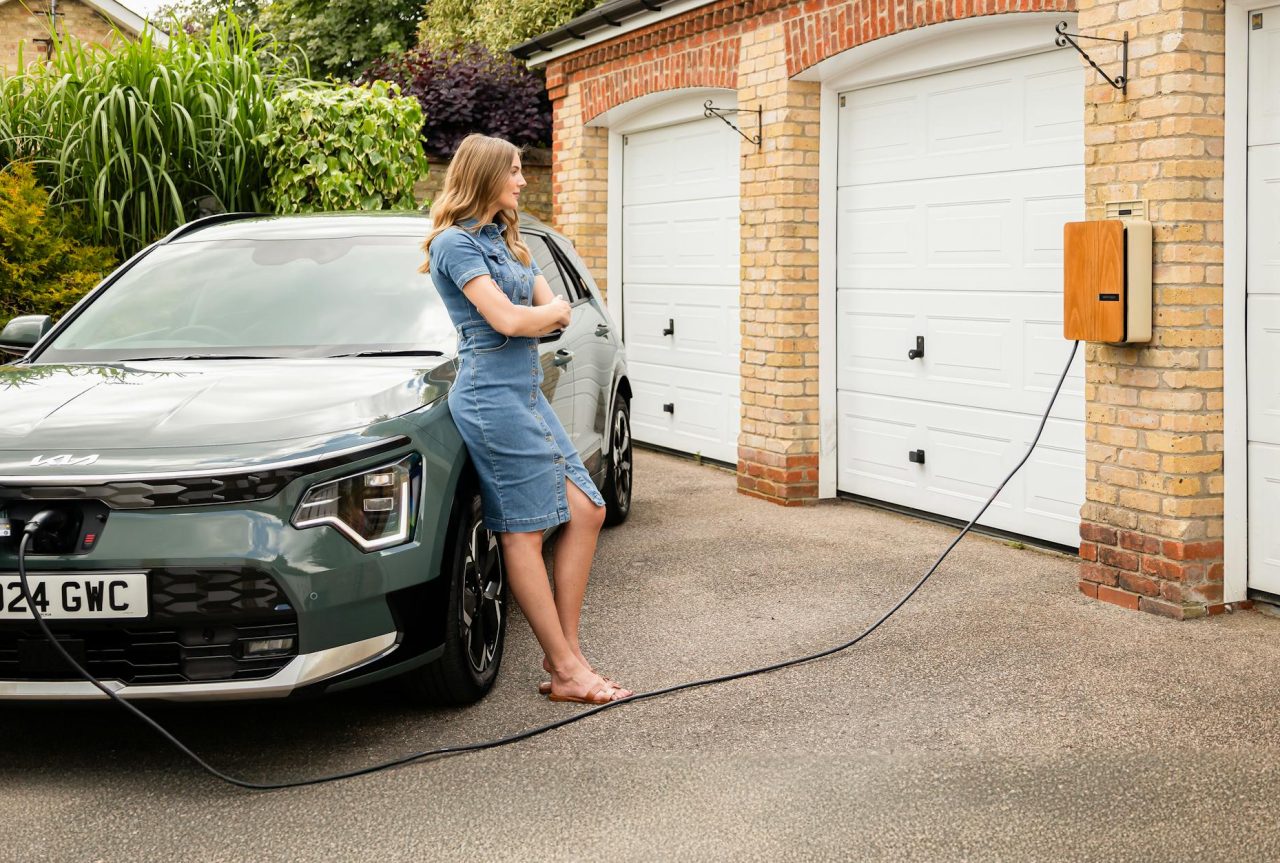
Public charging is a shared infrastructure that needs rules. Charging sessions are longer than fueling a gas car, and small lapses—leaving a car parked after a session, blocking an accessible stall, or mishandling a connector—create delays and safety risks.
Think Like a Shared-Resource User
Public chargers have two limited resources: time and space. Time is how long a vehicle occupies a charger. Space is the parking bay and any adjacent clearances.
Both matter; a short, high-power session at a DC fast charger should free a bay quickly, while Level 2 stations are intended for longer stays.
Park Only Where Allowed and Respect Accessible Stalls
- Follow signage and pavement markings: membership or network access doesn’t override reserved or accessible stalls.
- Accessible clearances: design guidance recommends a clear floor or ground space of at least 30 inches by 48 inches at chargers. More clearance is often needed where space is confined on three sides. Those dimensions make room for wheelchair maneuvering and ramps.
- Avoid blocking adjacent spaces: sidewalks, or access routes with your vehicle or cable. Tight parking can turn one car’s arrival into a chain of delays.
Move Promptly When Charging Finishes
Practical rule: for DC fast charging, charge only to the SoC (state of charge) you need to reach the next stop; charging above about 80% often slows dramatically because battery charging power tapers.
Polite rule: enable charging-complete notifications on your car or station app and move within 10-20 minutes of completion. A 15-30 minute delay at a busy site produces queues.
If you must leave the car, post a visible note with an estimated return time or set an “occupying” flag in the app where available. Some networks show an occupancy timer or apply idle fees; those exist to keep turnover steady.
Handle Cables and Connectors Like Shared Tools
Cables and plugs take the most abuse at chargers. Treat them like communal equipment: stow neatly, inspect before use, and don’t force connections.
Stow, Inspect, and Report
- Return the connector to its holster and follow the station’s recommended cable slack. Dragging a cable across curbs can abrade the inner sheath and cause premature failure.
- Quickly inspect for cuts: frayed insulation, bent pins, or foreign objects in the inlet. If you see damage, do not use the station; report it through the network app or site contact.
- If a cable blocks a pedestrian route, reposition it safely and note the issue to the owner or operator. Don’t apply excessive force—the connector locks electronically and releases with the vehicle’s release command.
Fixed-mount cables often need a little slack to sit correctly. Pulling them straight out and tugging across a curb puts stress on the inner bend, which is not obvious at first glance.
At Home and Work: Rules That Prevent Conflict
Most charging energy is delivered at home or work, so etiquette here reduces daily friction.
Coordinate Schedules and Post Clear Policies
- At home: agree on charging windows if spaces are shared. A shared calendar or group chat prevents surprise conflicts when someone needs a top-up for a long trip.
- At work: post clear rules—maximum session time, priority for fleet vehicles, and a contact for problems. Many workplaces use 4-8 hour guidelines for Level 2 chargers depending on shift patterns; adjust based on local needs.
- Communicate availability: if you plan a long session, tell coworkers the expected finish time. You’ll feel at home if people know whether you can move the car at lunch.
Accessibility and Physical Clearances
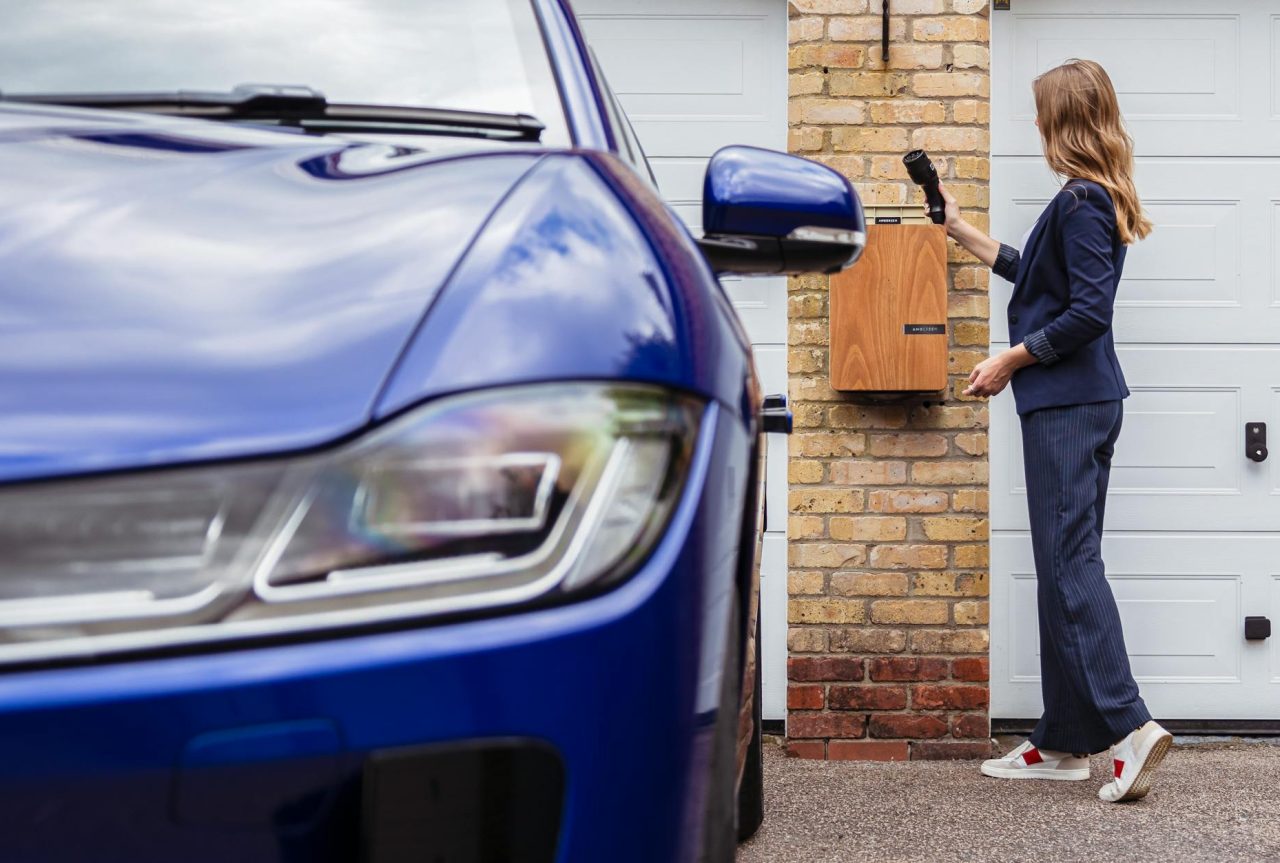
Accessible charging is more than a painted sign. It requires reach, a clear approach, and an unobstructed space to work from a wheelchair or with mobility aids.
- Connect chargers to an accessible route with compliant walking surfaces and curb ramps. Avoid placing chargers behind curbs unless there’s an accessible approach.
- Controls and payment interfaces should be reachable from a seated position; pedestal height and offset matter.
- Keep the clear floor area free of carts: garbage, motorcycles, or temporary obstructions. Even short-term blocking forces people into unsafe approaches.
Follow design recommendations such as those from accessibility authorities that specify minimum clear floor space and approach routes to comply with accessibility standards.
Troubleshooting and Common Failure Points
Charging faults fall into three buckets: user-side, station faults, and vehicle-side faults. Isolating the cause saves time.
- Quick checks: confirm the station shows available status in the app, inspect the connector and inlet for debris, and try a simple vehicle reset (lock/unlock or power-cycle). If possible, try a different charger to narrow the fault to the station or vehicle.
- Common failure points: pilot-signal errors (communication between charger and vehicle), damaged pins in plugs or inlets, authentication/payment failures, and ground-fault interruptions caused by moisture or insulation breakdown. Pilot-signal faults usually present as the charger refusing to energize; ground-faults often interrupt a session shortly after start.
- Diagnostics: check your vehicle’s charging status screen for error codes and consult the charger app or station logs. For home chargers with basic tools, you can check whether the circuit has voltage, but do not open public equipment or perform live probing on high-voltage systems.
- When to call a pro: visible damage, burning smells, repeated breaker trips, or persistent vehicle-side faults across multiple chargers. For home electrical or charger hardware issues, hire a licensed electrician. For vehicle charging system faults, contact a qualified EV technician or dealership.
Many users try a reset (lock/unlock) and a retry before reporting a fault—this often clears transient communication glitches. Another real-world note: a wet connector after heavy rain can trip a ground-fault sensor immediately; waiting a few minutes and drying the area sometimes allows a safe retry, but report the event if it recurs.
Safety Warnings and Tools Worth Carrying
Charging involves high current and sometimes high voltage. Respect the equipment and follow safe practices.
- Stop if you smell burning, see smoke, or detect sparks; move to a safe distance and notify site safety or emergency services.
- Avoid extension cords or uncertified adapters: they can overheat and create fire hazards.
- Keep connectors dry: while most are weatherproof, pooled water or heavy ice raises the risk of ground-faults.
Useful items to carry: a microfiber cloth for cleaning connectors, nitrile gloves for dirty or wet conditions, a compact flashlight for night inspections, and a small bottle of isopropyl alcohol for contact cleaning if you know how to use it safely. Skip bringing specialty tools—those are for certified technicians.
Payment and Legal Considerations
Paying promptly and knowing local rules keeps turnover predictable.
- Have app or payment credentials ready to avoid holding up the station while you register or hunt for a card.
- Some networks or locations apply idle fees for overstaying. Municipalities may fine ICE vehicles parked in EV stalls. Check the signage and the charging app for local policies.
Realistic Scenario: Suburban Shopping Center at Peak
Four Level 2 chargers, two DC fast chargers, Saturday afternoon rush. A family needs a 30-minute top-up to get home; a commuter arrives with 90% SoC and plugs into a DC fast charger while shopping.
DC fast chargers are intended for short top-ups—the family should use a DC stall for a quick fill. The commuter should use a Level 2 stall or skip charging and avoid monopolizing a fast charger.
The center posts an 80% polite policy on DC bays and sets a recommended 30-minute limit; compliance keeps waits short.
Practical Closing Notes
Small actions—returning a connector, moving promptly, reporting damage—add up to smoother, safer charging for everyone. You’ll save time and reduce friction by setting charge limits, keeping payment ready, and following basic accessibility and safety rules.
If in doubt about a damaged unit or an electrical fault, involve the operator or a licensed professional rather than improvising a fix.
FAQ
How long should I use a DC fast charger?
Use DC fast chargers for short, targeted top-ups—enough to reach your next stop, often 20-40 minutes depending on battery size and initial SoC. Because charging slows above about 80% SoC, topping to 100% at a fast charger is usually inefficient and inconsiderate at busy stations.
Can I use an adapter to plug into any charger?
Adapters exist for specific compatibility gaps, but they are not universal. Only use adapters certified for your vehicle and the charger’s power level; uncertified adapters or DIY solutions risk overheating and may void warranties.
What do I do if a charger is damaged or unsafe?
Do not use it. Note the charger ID and location, report it through the network app or posted contact, and if you see immediate danger (sparks, smoke), move to a safe distance and call emergency services. Marking the unit out-of-service helps others avoid the hazard.
Is it OK to unplug someone else’s car if they’re not around?
No—unplugging another EV can cause disputes or interrupt essential charging processes. Use the station app to contact the owner if provided, involve on-site staff or security, or follow local enforcement rules when a vehicle overstays its allotted time.
When should I call an electrician or EV technician?
Call a licensed electrician for repeated trips at a home charger, visible heat at outlets, breaker issues, or installation work. For vehicle-side persistent faults across multiple chargers, contact an EV technician or dealership—repeated internal charger errors often indicate a vehicle-side problem.
Read Next: Too Many Transport Apps: Why Users Feel Overwhelmed