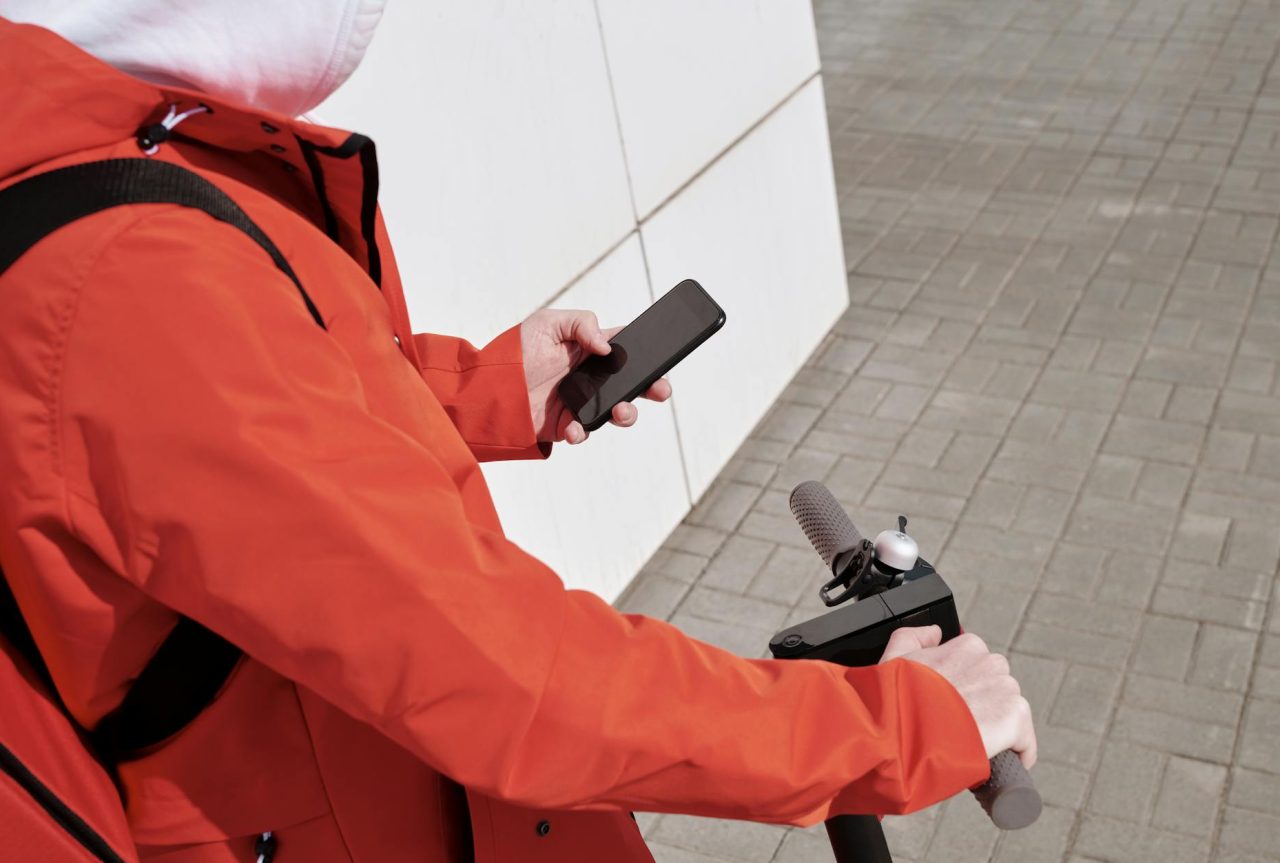
Why local transport apps affect tourist safety
Local transport apps are more than route finders; they handle navigation, tickets, driver matching, and payments. That convenience speeds travel but concentrates risk: a single app can expose your location history, fail to validate a ticket at a gate, or route you into a poorly lit area. This article is for tourists using transit planners, micromobility services, and ride-hail platforms who want concrete steps to reduce privacy, financial, and physical safety risks.
Technical terms appear with short explanations—“real-time arrival” means live estimated times, and “offline maps” means cached map tiles you can use without cellular service.
Primary risks and how they show up
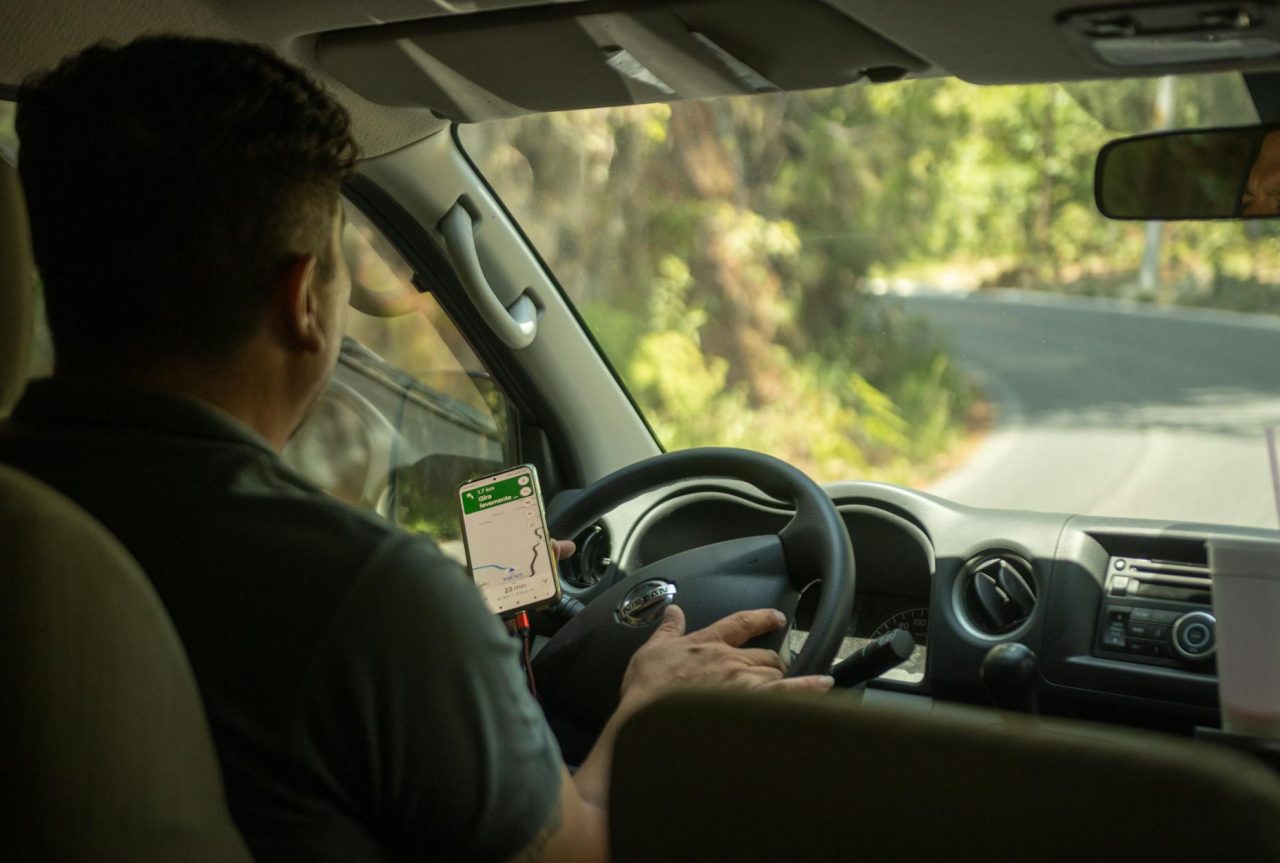
Privacy: location, profile, and payment data
Transport apps request location to plan trips; that continuous stream can reveal where you sleep and frequent destinations. Linking saved addresses and payment methods produces a high-value profile for fraudsters. On public Wi‑Fi, unencrypted or poorly configured connections increase the chance of intercepted API calls or session hijacks.
Decision factors: share location while using the app when possible; avoid “always allow” unless a specific feature requires it. Prefer tokenized or virtual payment methods to limit exposure of your real card number.
Real-time data failures and scams
Live ETAs combine operator GPS, schedules, and sometimes rider reports. When data streams don’t sync—due to construction, weather, or a vehicle detour—an app can show obsolete arrivals. Scams exploit trust in app screens: fake ticket screenshots or fraudulent top-up pages that ask for off-app payments are common on smaller platforms.
How to react: verify critical transfers at staffed counters when available and keep receipts or screenshots with timestamps to contest incorrect charges or missed connections.
Pre-trip setup: settings and tools to reduce risk
Configure apps and devices before you leave to avoid surprises. Small adjustments prevent many mid-trip problems.
Essential permissions and authentication
- Location: set to “only while using the app” where possible; allow background location only for services that explicitly need it (e.g., live trip-sharing).
- Two-factor authentication (2FA): enable TOTP-based 2FA (authenticator app) for accounts holding payment data; SMS 2FA is less secure against SIM-swap attacks.
- App updates: install updates on a stable connection before travel; many fixes target validation flows and encryption.
Payment hygiene and backups
- Use virtual cards or single: use tokens where your bank supports them. If not available, prefer a credit card with good dispute rights over a debit card.
- Carry small local cash and a backup card in a separate pocket to handle authorization failures or vendors that accept cash only.
- Record transaction IDs and take screenshots of successful purchases immediately after payment.
Offline preparation and battery planning
- Download offline maps for the city center and the static schedules of the transit lines you’ll use most. Offline maps let you locate stops and routes when cellular service drops.
- Carry a 10: 000- to 20,000-mAh power bank for day trips lasting 8-12 hours. Enable low-power mode at 20-30% battery remaining to extend runtime when you need live updates.
- Save screenshots of tickets: driver details, and vehicle IDs so you have proof if the app crashes mid-trip.
Recognize common failure points and quick diagnostics
Knowing what to check lets you recover faster. Below are frequent failures, how they present, and steps to work around them.
| Failure point | How it looks | Quick diagnostic or workaround |
|---|---|---|
| Server outage | App crashes, login fails, social media shows widespread reports | Try the operator website, open downloaded schedules, or switch to another transit aggregator (many travelers compare a local operator app with an aggregator like Moovit for redundancy). |
| GPS inaccuracies | App pins you on the wrong street or reroutes oddly in dense urban canyons | Toggle location mode, calibrate device sensors, or use a cached offline map; move to open sky if possible to improve satellite lock. |
| Payment authorization failure | Transaction declined despite funds | Try a different card, use local cash, contact your bank about foreign BIN or 3D Secure prompts, and keep screenshots of errors for disputes. |
| Ticket validator errors | QR code unreadable or NFC not recognized at the gate | Present a screenshot of the purchase, request manual validation at a staffed counter, or produce a paper ticket if available. |
Micromobility and ride-hail checks before you ride

Inspecting small vehicles and confirming ride details reduces injury and fraud risk.
Micromobility walk-around
- Quickly check tires: brakes, lights, and the vehicle ID. A soft tire or delayed throttle response is a red flag—take photos and report it to the operator immediately.
- For scooters with removable batteries or visible damage: avoid use and request a replacement through the app; reputable operators will remove unsafe units from service.
Ride-hail verification
- Confirm vehicle plate: model, and driver name before entering. Compare the app’s photo to the driver when possible.
- Share your live trip with a trusted contact if the app supports it. If an issue occurs during a ride, use the in-app report function—these reports commonly include GPS metadata that speeds investigation.
When to escalate to authorities or professionals
Some problems require official help or a trained mechanic.
Transit authority and operator reporting
Collect timestamps, transaction IDs, screenshots, vehicle IDs, and photos before filing a complaint. Presenting this evidence at a staffed counter or via the operator’s official channel increases the chance of a refund or voucher.
Mechanic or technician intervention
If a rented bike or scooter shows persistent mechanical issues—steering play, motor cutouts, overheating battery, or unusual smells—leave the vehicle and request a replacement. For vehicles you pay to use long-term (rented bikes, cars you own), consult a certified local mechanic recommended by your accommodation or local cycling community. For advanced-system failures on modern vehicles—battery swelling, smoke, or electrical arcing—contact emergency services and the operator immediately; these are safety hazards requiring professional attention.
Evidence and dispute management
Collecting the right evidence makes refunds and investigations faster.
- Take clear screenshots of purchase confirmations: error messages, and the app screen showing the issue with timestamps visible.
- Record the vehicle ID and photograph physical damage with a reference object (for scale) and a timestamp if possible.
- Save email receipts and note any incident numbers provided by customer service; follow the operator’s stated refund window to avoid losing the right to appeal.
Scenario: tight transfer between a regional train and city tram

Context: You have 12-15 minutes to transfer from a regional train to a city tram, platforms are separated by a 3-5 minute walk, and you carry luggage. The train app shows on-time arrival; the tram app’s ETA is 6 minutes.
Decision factors: margin for error shrinks with luggage and platform distance. If tram ETAs are schedule-based rather than GPS-updated, they may be optimistic. Mitigation steps: download the tram line’s offline schedule before departure, ask a station attendant about platform changes while still onboard, and maintain at least 50% phone charge for ticketing. If the train is late, present transaction confirmation to the tram operator at the counter to request a timed transfer or a refund claim.
Practical, experience-based observations
Station announcements often lag app updates by several minutes; when a connection is tight, prioritize visible platform signage and staff over an ETA that seems optimistic.
- Turnstiles and validators in older stations frequently fail on the first scan; a single early test scan at a non-peak moment reveals whether the ticket will validate before you risk being stuck at gate lines during rush hour.
- It’s common to find a helpful attendant near major transfer points—seek staffed windows rather than relying solely on the app when schedules are tight or when a ticket won’t validate.
Safety warnings and required tools
Warnings: never follow an app directive that puts you in an isolated or poorly lit area at night. If a driver or operator requests off-app payment or personal information that the app does not require, refuse and report the request.
Tools to carry: a charged phone, a 10,000- to 20,000-mAh power bank, a backup payment method, local cash, screenshots of tickets and driver details, and a basic first-aid kit if you rely heavily on bikes or scooters. If you use VPNs, be aware that some apps block connections from VPN endpoints, so test your ability to authenticate before you need to purchase a ticket.
When app behavior changes advice

Advice shifts when key variables change: if you have poor cell coverage, rely more on offline maps and printed schedules; if you carry expensive gear or sensitive documents, tighten permission settings and prefer tokenized payments; if you travel at night, prioritize lit routes, staffed transfer points, and live trip sharing with a contact.
Sources and further reading
Use aggregated app reviews and transit research when choosing which local apps to install. For independent app comparisons and user tips, consult transit-app roundups and public-transit research to find apps that support offline maps and reliable real-time arrival data. For details on GPS-related safety issues, see the internal note on How GPS Errors Can Affect Your Safety During a Trip.
For procedural steps if a ride stops or fails mid-trip, see What to Do If Your Ride Suddenly Stops Mid-Trip and How to Stay Safe When Using Ride-Share Services at Night.
Final practical summary
Layer redundancy: have two apps covering the same trip type, one offline dataset, and a backup payment method. Do quick checks before you board—validate tickets early, photograph vehicle IDs, and confirm driver details. If a system fails, preserve timestamps and screenshots, report through official channels, and escalate to local authorities or a professional mechanic for safety-critical mechanical or electrical problems. Small, specific precautions prevent most common failures from becoming dangerous situations.
References
- Best Transport Apps for Travelling in 2025 – Pip and the City
- Here are the three best public transit apps – Mobility Lab
- The Best 36 Apps for Traveling in Europe (+ Offline Options)
- Favorite apps for travel 2024 – Rick Steves Travel Forum
- Smartphone Apps for Travelers – Rick Steves Europe
Read Next: How Location Sharing Improves Travel Safety in Practice
Read Next: The Role of AI in Detecting Unsafe Driving Behavior