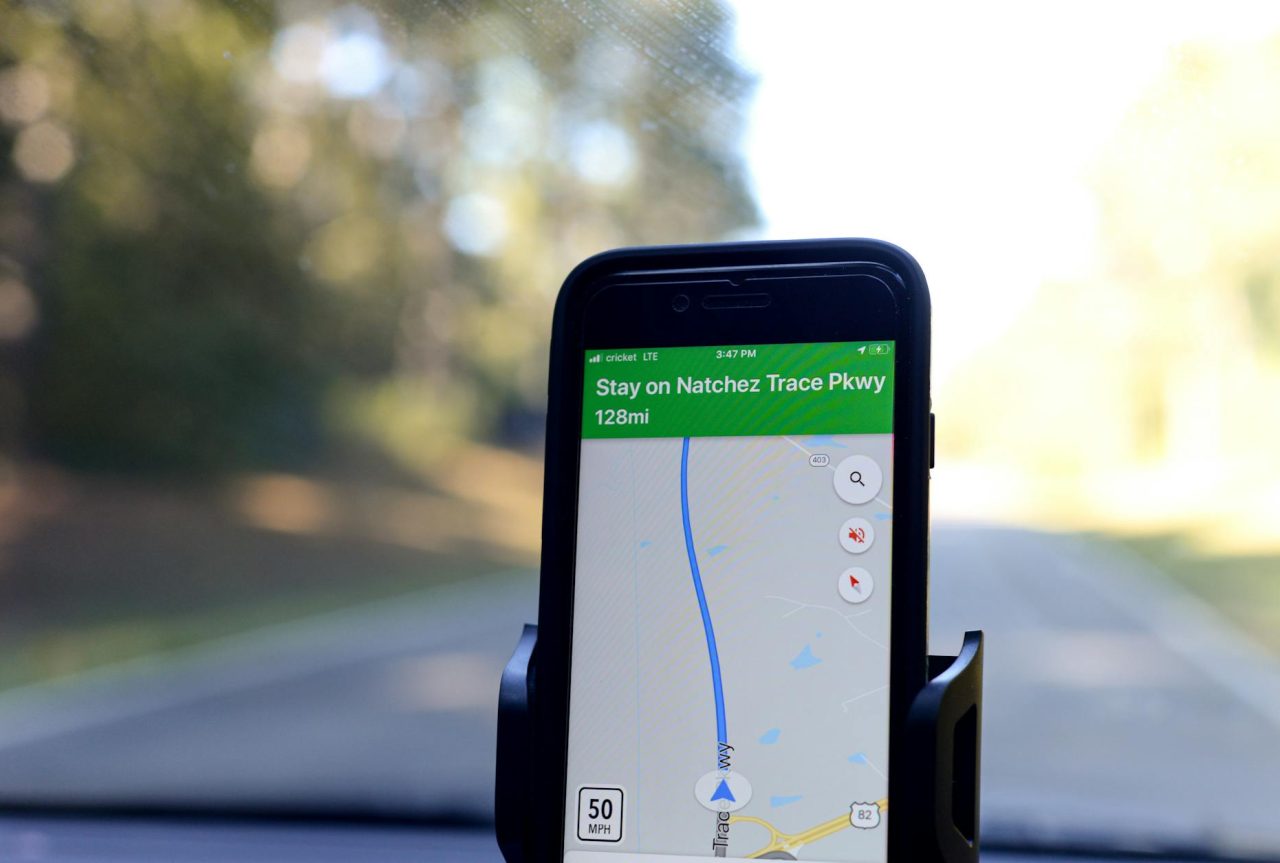
GPS errors can turn a routine route into a hazard. A few meters of error may put a hiker on the wrong trail, route a driver onto a flooded back road, or delay emergency responders by critical minutes.
How GPS Positioning Works and Why It Fails?
Receivers calculate position from the time it takes signals to travel from satellites. Anything that changes signal timing, signal path, satellite visibility, or the map overlay can produce an error.
That can be physics (atmosphere), environment (buildings, trees), hardware (antenna, battery), or software and map data.
Satellite geometry and DOP
Satellite geometry describes how visible satellites are arranged around the receiver. Dilution of precision (DOP) is a number that summarizes that arrangement: lower DOP means better potential accuracy. High DOP can amplify small timing errors into large position errors.
- Typical consumer accuracy under clear skies: about 3-10 feet (1-3 m). Poor geometry or obstruction can push errors to 30-100 feet or more.
- DOP changes over minutes as satellites move: brief 5-20 minute windows of poor geometry are common and often predictable if you check satellite status before departure.
Atmospheric delays
Signals cross the ionosphere and troposphere, which slow and refract them. Ionospheric delay depends on charged particles and varies with solar activity; tropospheric delay depends on humidity and pressure. Dual-frequency receivers correct much of the ionospheric error; single-frequency consumer devices cannot fully remove it.
- Ionospheric delay can translate to meters of position error. Wide-area augmentation systems (WAAS/SBAS) reduce this where available.
- Rapid weather shifts or local temperature inversions can nudge position estimates by a few meters.
Multipath, obstruction, and urban canyon effects
Multipath happens when signals bounce off buildings, water, or rock before reaching the antenna. An urban canyon both blocks satellites and creates strong reflections, producing jitter, sudden jumps, or persistent offsets from the true position.
- Multipath can add tens of meters of error near reflective surfaces.
- Dense foliage attenuates signals and causes slower drift errors; concrete, metal, and water are the strongest reflectors.
Device and user factors that change effective accuracy

Real-world position error is the combination of physical signal issues and how the device handles them. Antenna quality, receiver chipsets, battery settings, and app filters all shape the final readout.
Hardware, firmware, and power management
- Small patch antennas in phones are less sensitive than larger external antennas; expect handhelds and phones to struggle in marginal conditions.
- Multi-constellation: multi-frequency receivers (GPS, GLONASS, Galileo, BeiDou) reduce geometry and atmospheric sensitivity by using more satellites and frequencies.
- Low: power modes often reduce polling frequency. Some devices report a smoothed, lagging position to save battery, which can be dangerous during tight maneuvers.
- Software smoothing (filters) reduces noise but adds latency: that can hide rapid deviations when precise, immediate feedback is needed.
Map data and crowdsourced edits
GPS provides coordinates; mapping services translate those to roads, addresses, and turn instructions. Maps can lag reality: recent construction, closed roads, or misclassified private access can leave a navigation app routing you incorrectly. Crowdsourced edits are reviewed and can take hours to days to appear.
Safety risks and specific scenarios
How an error affects safety depends on context: environment, time of day, and alternatives available. Small errors matter most where precision or quick response is required.
Rural wrong turns and off-road hazards
An app directing a driver onto a narrow, unpaved logging road instead of a nearby paved route can cause vehicle damage or exposure in bad weather. At dusk, limited visibility and lower cellphone signal can compound the mistake. A practical step: when maps show a single thin road through unfamiliar terrain, slow down, scan for signage, and confirm the surface before committing.
Hiking and trail confusion
Trailheads often sit close together. A 10-30 meter error can place a hiker on the wrong path, adding miles and exposing them to cliffs or technical terrain. If the device bounces between two tracks, stop, look for blazes or junction posts, and compare an offline topographic map.
Emergency response and address offsets
Dispatching to coordinates off by 50-100 feet can send responders to the wrong side of a property or the wrong house number, costing minutes. When calling for help, give landmarks and roadside descriptions in addition to coordinates to reduce confusion.
Urban pickup and ride-share risk
Multipath in dense downtowns can place a pickup point 50-150 feet from the actual corner. That increases exposure when riders walk into traffic to meet a driver. Confirm vehicle make and plate in the app and, if safe, move to a well-lit corner rather than standing on a dim side street. See What to Check Before Entering Any Ride-Share Vehicle for rider-side precautions.
Tools and fixes: quick checks, services, and hardware
Choose mitigations based on how much precision you need and how much complexity you can tolerate. Simple checks often prevent the majority of mishaps. More advanced tools reduce specific error sources at a higher cost and complexity.
Pre-trip and on-the-spot checks
- Satellite status: use apps or device screens that show satellite count and DOP. If DOP is high or visible satellites are few, delay if possible or use an alternate navigation method.
- Stationary observation: stand still for 1-2 minutes and watch the position dot. Jitter points to multipath; slow drift suggests atmospheric or geometry issues.
- Battery and settings: keep the battery above 30-40%, disable aggressive saver modes, and enable high-accuracy GPS if available.
- Map upkeep: update maps and download offline tiles before long trips or when passing through coverage gaps.
Correction services and when to use them
A-GPS speeds satellite acquisition but does not improve long-term accuracy. WAAS and other SBAS systems broadcast regional corrections and can improve consumer accuracy to about 1-3 meters where supported.
Real-time kinematic (RTK) delivers centimeter-level results using a local base station and data link but requires specialized equipment and often paid subscriptions; it is practical for surveying or professional rescue teams, not general consumer use.
Hardware upgrades worth considering
- External GNSS antennas improve reception and reduce multipath in vehicles; expect modest to significant improvement depending on antenna quality.
- Dedicated handheld GNSS receivers with multi-frequency support outperform phones in forests, canyons, and high-latitude regions.
- Portable battery packs (10,000-20,000 mAh) keep devices in full-power modes and avoid aggressive power-saving behavior that can degrade position reporting.
Failure points, diagnostics, and quick remedies

Recognizing common symptoms lets you pick an appropriate remedy quickly.
- Steady jitter with many satellites visible — likely multipath. Remedy: move to open space or change stance; shield reflective surfaces if possible.
- Slow drift while stationary — likely poor satellite geometry or atmospheric effects. Remedy: check DOP and wait 5-20 minutes or switch to SBAS-corrected mode.
- Sudden large jumps to nearby parallel roads — likely map snapping or data mismatch. Remedy: compare raw coordinates with the mapped route and trust roadway markings when in doubt.
- Loss of fix indoors or in tunnels — expected: use external Bluetooth GNSS or pre-download offline maps for the gap.
When to consult a professional
Certain problems need trained attention:
- If a vehicle’s built: in navigation repeatedly misroutes after software updates or impacts, have an automotive technician inspect antenna connections, grounding, and module health.
- Fleet operations, rescue teams, and surveying that require consistent sub-meter accuracy should consult a GNSS integrator for system design and RTK/PPP service setup.
- If you see erratic, unexplained position behavior across multiple devices in the same vehicle, suspect wiring, grounding, or electromagnetic interference and call a professional.
Operational decision rules for safer travel
Decide by environment and task. When precision matters for the maneuver you plan to make, stop and verify rather than proceeding on a questionable readout.
- Complex terrain (cliffs, narrow passes): stop and cross-check with topo maps, physical signage, or a second device before proceeding.
- Night in unfamiliar rural areas: favor main roads if satellite status looks poor or map confidence is low.
- When mapping data appears wrong: do not follow turn-by-turn blindly; preview the route using satellite imagery or a secondary map source.
- In emergencies, give dispatch descriptive directions and landmarks in addition to coordinates to reduce the chance of misrouting.
Realistic scenario: suburban dusk detour
Two cars travel through a neighborhood with recent construction. The lead driver’s phone directs a left onto a gravel private access drive that looks like a public cut-through. The trailing car’s handheld GNSS, using WAAS, shows the official through-road a block away.
The trailing driver halts and calls the lead to confirm. Both drivers check street signs and satellite imagery, then back out safely and take the proper road. The cross-check saved hours, likely towing costs, and the strain of reversing on a narrow construction spur.
Everyday observations that help make better choices
Satellite fixes often stabilize a minute or two after you stop moving; waiting that brief interval can reveal whether the device is jittering or settled. In urban areas, small visual cues — a mailbox cluster, a lamp post, or a visible storefront name — are often faster to verify than relying on a map pin alone.
When using a phone at night, screen brightness and signal-search behavior can change battery drain and GPS polling; keep a charger handy and check the satellite indicator before leaving a lit area.
Summary
GPS errors arise from physical signal effects, environmental obstruction, device limitations, and imperfect map data. Use device diagnostics (satellite count, DOP), perform a short stationary check, and cross-check critical turns with satellite imagery or a second device.
Use WAAS/SBAS where available for improved consumer accuracy.
Consider external antennas or dedicated receivers for frequent travel in challenging conditions. Call a professional mechanic or GNSS integrator when vehicle-integrated systems or commercial operations require reliable, repeatable accuracy.
If accuracy matters for the maneuver you plan, stop, verify, and proceed only when the device behavior matches what you can see and expect.
Read Next: How Location Sharing Improves Travel Safety in Practice