
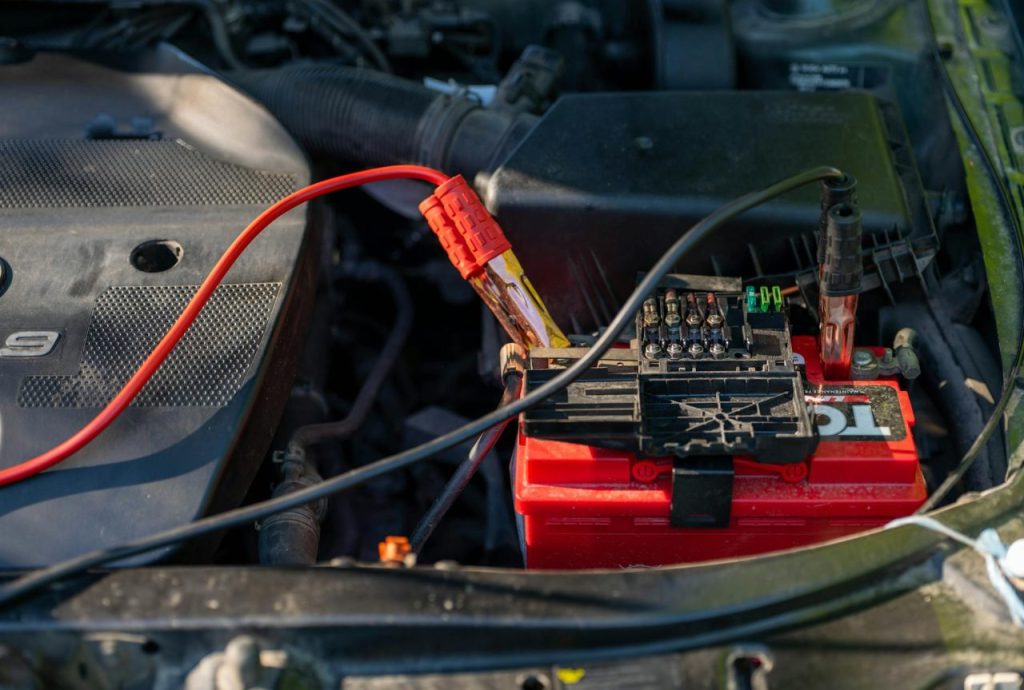
Why sensors quietly drain batteries and what that looks like
Sensors are often always listening: door contacts that light the dome, motion sensors that heartbeat to a hub, GPS and camera modules that wake radios. That persistent vigilance is why sensors show up as parasitic battery drain. The energy cost of waking a radio, sampling a chip, or retransmitting due to poor signal adds up and usually shows as one of two symptoms: a slow decline over days (car won’t start after being parked) or a phone that dies mid‑day.
Here’s the catch: small current draws are invisible until they stack. A module that keeps a body control unit awake at20–50 mA won’t kill a battery in a few hours but will flatten it in weeks. The rest of this article explains common failure points, proven tests, and fixes that reduce energy use with clear trade-offs so you can choose what to repair, tune, or live with.
Where sensor-related drains come from
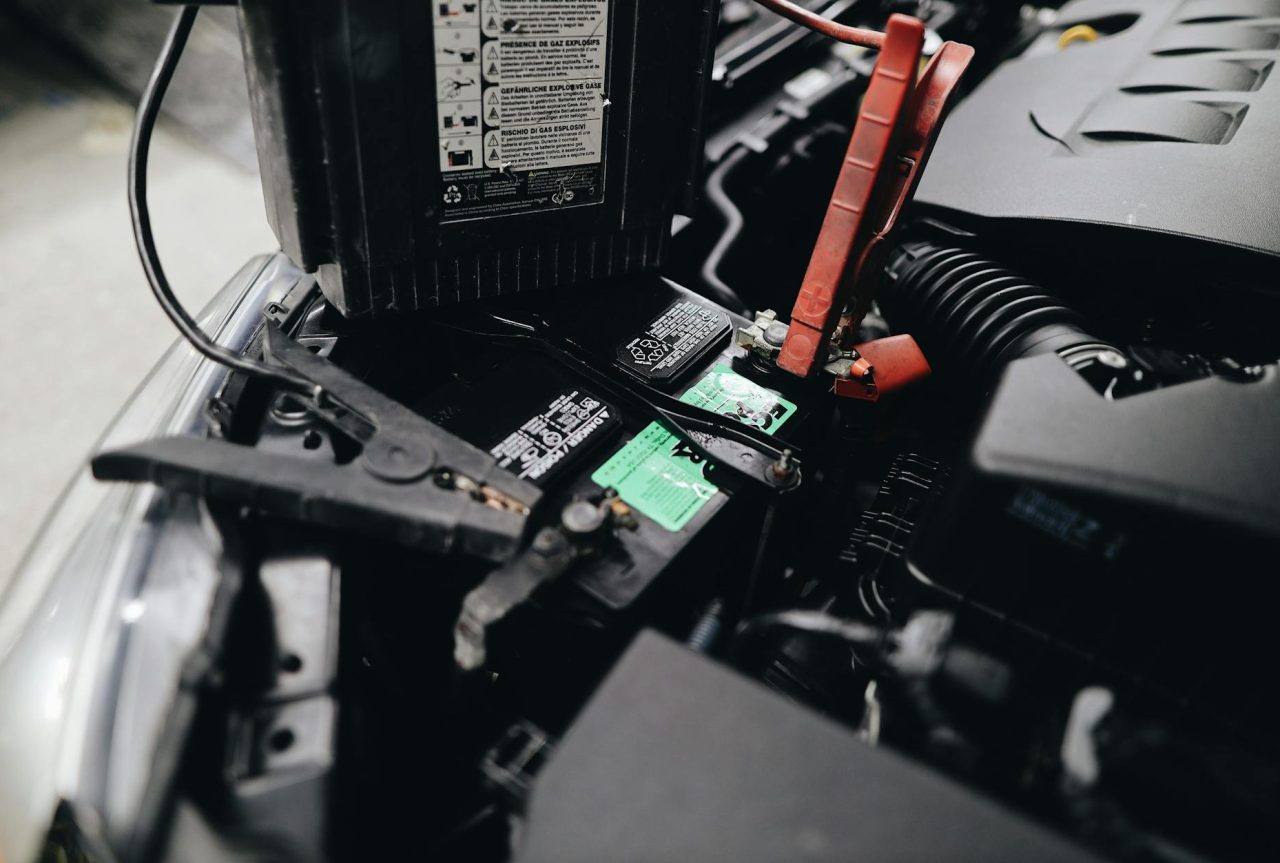
Vehicle door, window and interior-light switches
Door and window sensors trigger interior lights, alarms, and safety interlocks. Corrosion, broken microswitches, or frayed harnesses can keep circuits partially closed and prevent modules from sleeping. A dim dome light or a car that loses charge after a few days parked is a classic sign.
Why it matters: interior lamps draw0.2–1.5 A when on; smaller faults that keep a lamp dim or wake the BCM at20–50 mA drain a typical50 Ah battery in weeks. A trickle charger preserves charge but hides the underlying fault.
Smartphone sensors and background apps
GPS, cameras, accelerometers and proximity sensors all cost power. GPS locks and image sensors are obvious, but high-rate accelerometer polling or background wakelocks can also balloon battery use. What people miss is apps that hold CPU time or request sensor access unnecessarily—those cause steady drain even when the screen is off.
Trade-off: higher sampling and continuous location provide accuracy but reduce battery life. Use significant‑change location APIs or geofences for background tracking to reduce wake events and conserve power.
Wireless home sensors and radio issues
Door contacts, motion detectors and thermostats on coin cells rely on low transmit duty cycles. Poor signal, firmware bugs that increase heartbeat frequency, or frequent triggers (pets, wind) force retransmits and shorten battery life from years to months.
Community reports commonly show sudden drops in expected life tied to retransmissions or firmware changes; moving a sensor closer to the hub often reveals whether radio quality is the problem.
Tools, safety warnings and what to prepare
Tools: digital multimeter with microamp and10 A ranges, insulated gloves, basic socket set, clamp ammeter (optional).
- Safety: disconnecting live circuits and working on airbag/immobilizer harnesses can be dangerous—refer to service manuals and wear eye protection. If you’re unsure, have a mechanic do the live tests.
- What to expect: modules may spike current for10–15 minutes after lock/unlock; wait that long for a true quiescent reading.
How to diagnose sensor-driven parasitic drain
Vehicle multimeter test and fuse-by-fuse isolation
Baseline: most modern cars rest under50 mA; luxury or telematics-equipped vehicles may sit at50–100 mA. If you measure substantially above that, proceed.
- Step1 — prepare: turn off all lights, close doors, and lock the car; wait10–15 minutes for modules to enter sleep.
- Step2 — measure: disconnect the negative battery terminal, insert the multimeter in series, and note the draw. If the meter shows a high reading, pull fuses one at a time until the current drops. The fuse that causes the drop identifies the offending circuit.
- Step3 — isolate and inspect: once you find the circuit, inspect switches, harnesses, and connectors associated with it. Wiggle harnesses while watching the meter to spot intermittent faults.
Here’s a practical observation: testing immediately after unlocking often shows0.5–2 A spikes; patience for module sleep avoids chasing a phantom problem. Also, a fuse that restores draw when re-inserted points to a module that wakes on bus activity rather than a simple lamp left on.
Phone and IoT diagnostics
Phones: use battery usage screens, developer tools and vendor utilities. On Android, adb shell dumpsys batterystats and Battery Historian reveal wakelocks and sensor access; on iOS, Xcode’s Energy Gauge surfaces energy‑intensive processes. Revoke unnecessary sensor permissions and restrict background activity for offenders.
IoT sensors: check hub logs for repeated reconnects, use an RF sniffer or vendor tools to measure signal quality, and temporarily move the device closer to the hub to see if battery life improves. A sensor behind a concrete wall or metallic cabinet will retransmit and die faster.
Fixes: hardware, software and operational trade-offs
Hardware repairs and common failure points
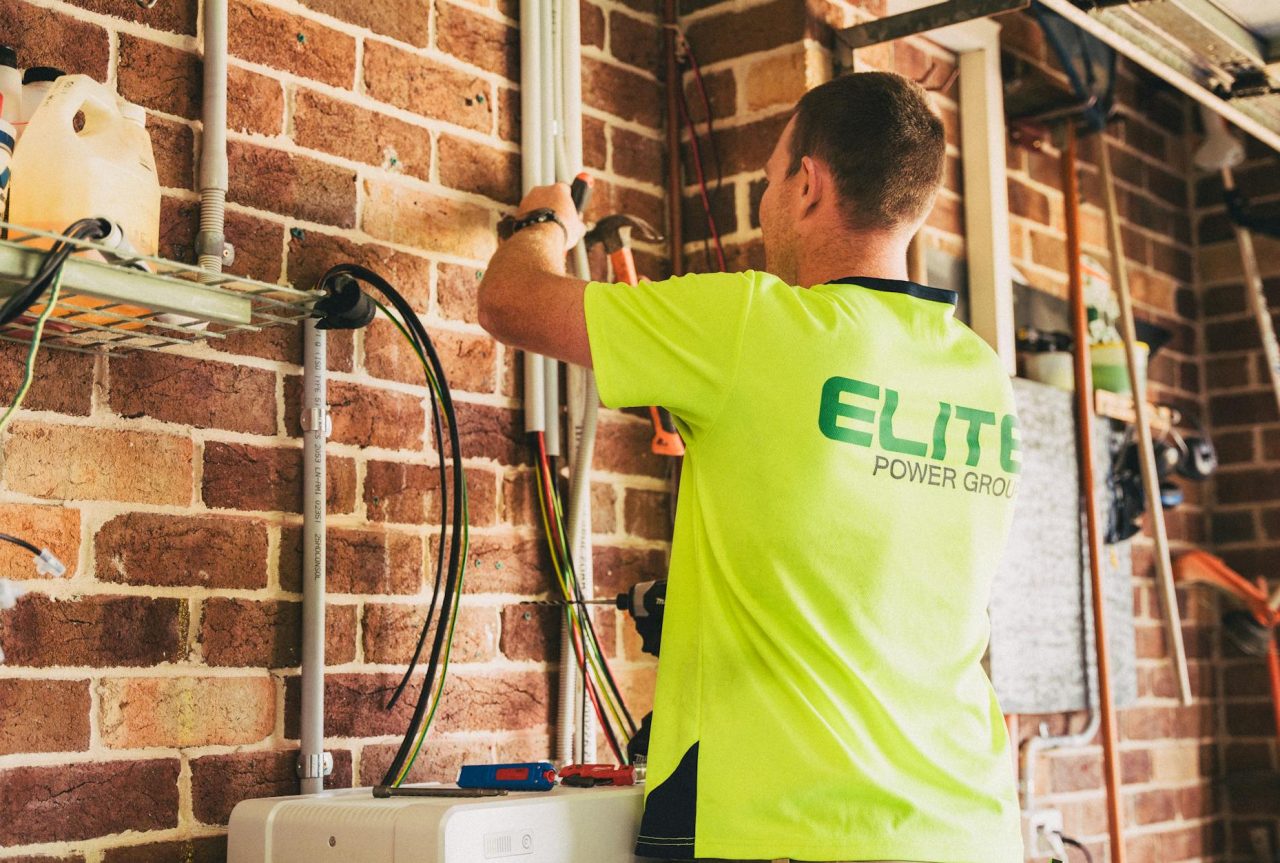
- Door/window switches: clean contacts, replace corroded microswitches, and inspect harnesses at flex points and moisture entry points (trunk seals, door sills). Microswitch replacement parts are inexpensive; labor varies by vehicle.
- Interior lights and BCM issues: if a module prevents sleep, it may need reprogramming or replacement. Use a shop scanner to read module sleep states before replacing expensive components.
- Smart sensors: use OEM or high-quality batteries (CR2032, CR123 where specified); reseat antennas and check for physical triggers like pets or drafts.
Common wiring failure points are door harnesses, trunk latches and connectors near moisture. A hairline break often causes intermittent wakes—visually inspect and monitor while gently moving the loom to reproduce the fault.
Software and configuration changes
On phones and wearables, reduce sensor sampling rates and use batching or event-driven APIs. For background GPS, prefer significant-change or geofence APIs instead of continuous high-accuracy updates. For accelerometers, choose activity APIs that report only on detected activity rather than raw100 Hz streams.
For IoT fleets, push OTA firmware that reduces heartbeat frequency or implements lazy reporting (report on change). In vehicles, apply OEM firmware updates for BCM or telematics that include power-management fixes; fleet telematics can detect rising idle draws and prioritize inspections.
Here’s the honest trade-off: reducing polling or increasing debounce improves battery life but can delay alerts, lower location precision, or miss brief events. Decide based on whether convenience or battery longevity is the priority.
When to call a professional
Bring a mechanic when the parasitic draw is above100–200 mA and you can’t isolate the circuit, when the fix involves BCM/airbag/immobilizer modules, or when live testing needs specialized diagnostic tools. Professionals have scan tools to read sleep states, module logs, and safe procedures for harness or module replacement.
Worth it when you’ve chased a circuit and the fault resets only with a scanner or when the repair risk includes disabling safety systems. Skip pro help if the issue is a user-replaceable microswitch or an app permission you can change yourself.
Realistic scenario: tracing an overnight car drain
Situation: a commuter’s car loses30% charge overnight repeatedly. After waiting20 minutes for sleep, a multimeter shows400 mA draw. Fuse-by-fuse isolation drops the draw when the trunk/interior lighting fuse is removed. Inspection reveals a corroded trunk latch microswitch that intermittently activates when the trunk gasket compresses overnight.
Fix: replace the trunk latch microswitch (parts and labor vary by vehicle). Post-repair draw falls to25–30 mA and the car holds charge for weeks. This pattern—one small switch causing large drain—is common and often worth the small repair cost compared with repeated battery replacements or unnecessary diagnostic bills.
Preventive maintenance and monitoring
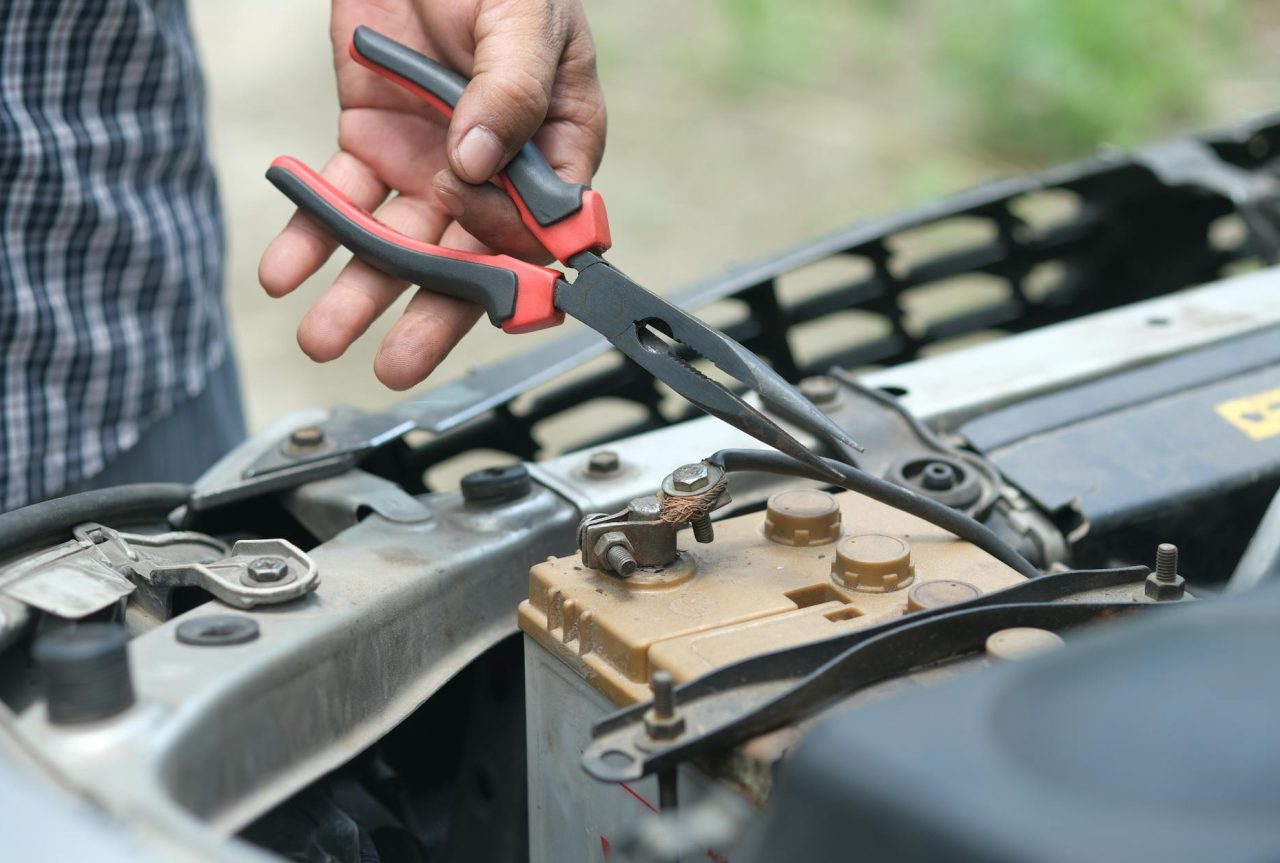
Inspect connectors and flex harnesses every6–12 months.
- Test resting battery voltage every3–6 months if a vehicle sits idle often.
- Replace coin cells on a schedule or earlier if signal quality or retransmits increase.
You’ll feel at home if you keep a brief checklist: battery resting voltage, firmware update status, and sensor signal strength. Use a trickle charger for storage but treat it as mitigation—not a cure.
Common mistakes to avoid
Rushing the draw test before modules sleep—measure after10–15 minutes to avoid chasing transient spikes.
- Swapping batteries repeatedly without addressing retransmissions or firmware bugs—this masks the root cause.
- Disabling sensors system-wide instead of per: app—this can break expected behavior like pocket detection or step counting.
- Using cheap batteries in IoT sensors—upfront savings can double replacement frequency and hide configuration problems.
Quick diagnostic timeline
| Step | Time | Expected result |
|---|---|---|
| Rest device/vehicle idle | 10–15 minutes | Modules enter sleep; avoid immediate spikes |
| Run multimeter draw test or battery profile | 15–30 minutes | Measure baseline quiescent current |
| Fuse-by-fuse isolation / app permission revocation | 20–60 minutes | Identify offending circuit or app |
| Repair or reconfigure | 30 minutes–2 hours | Reduced draw; verify with repeat test |
FAQ
How much parasitic draw is normal for a modern car?
Most modern cars rest under50 mA; telematics or luxury vehicles can sit at50–100 mA. Anything consistently above100–200 mA usually indicates a fault or an accessory keeping a circuit awake—check the service manual for model-specific specs.
My smart door sensor dies in4 months instead of2 years. What should I check first?
Move the sensor closer to the hub to test signal quality—if life improves, retransmits are the cause. Also check for firmware updates that alter reporting cadence and rule out local triggers like pets or drafts before replacing the device.
Can disabling phone sensors permanently harm the device?
Disabling sensors affects functionality rather than hardware. You’ll lose features that rely on those sensors (auto-rotate, pocket detection, activity tracking). Prefer per-app permission changes so system features remain intact while limiting battery drain.
Is a trickle charger a long-term fix for sensor drain?
A trickle charger preserves battery charge during storage but does not address parasitic draws. Use it as a temporary mitigation when repair isn’t possible, but schedule diagnostics to find and fix the root cause.
When should I consult a professional mechanic?
Consult a professional if you can’t isolate the circuit with fuse-pull testing, if the draw exceeds100–200 mA, or if repairs involve BCM, airbag or immobilizer systems. Mechanics have the scan tools and safety procedures required for these systems.
Related diagnostics and additional reading

For other automotive failure modes that follow similar diagnostic patterns, see parking automation troubleshooting and software update delays—those pages outline related steps for module logs and OTA fixes that apply to sensor power problems.
Final remarks
Sensor-driven battery drain is usually solvable with systematic measurement: wait for modules to sleep, measure quiescent current, isolate circuits or apps, then repair or reconfigure. Small fixes—clean contacts, replace a microswitch, apply a firmware patch, or reduce sensor polling—often restore reliable life. If the draw is high or involves safety modules, bring in a professional to avoid risky mistakes.
References
- 9 Causes of Parasitic Battery Drain and How to Fix Them
- What Causes Parasitic Drain on Your Car Battery?
- How Do I Reduce My App's Battery Drain on Users' Phones?
- 8 Things That Can Drain Your Car Battery
- Disable sensors save battery | Android Central Forum
Related Internal Resources
- Parking automation failures — troubleshooting steps
- Lane merging problems — cooperative driving solutions
- Software update delays — how OTA solves it?
- Cybersecurity risks in self‑driving cars — prevention strategies
Read Next: Autonomous trucking fatigue — monitoring solutions.